 NEW
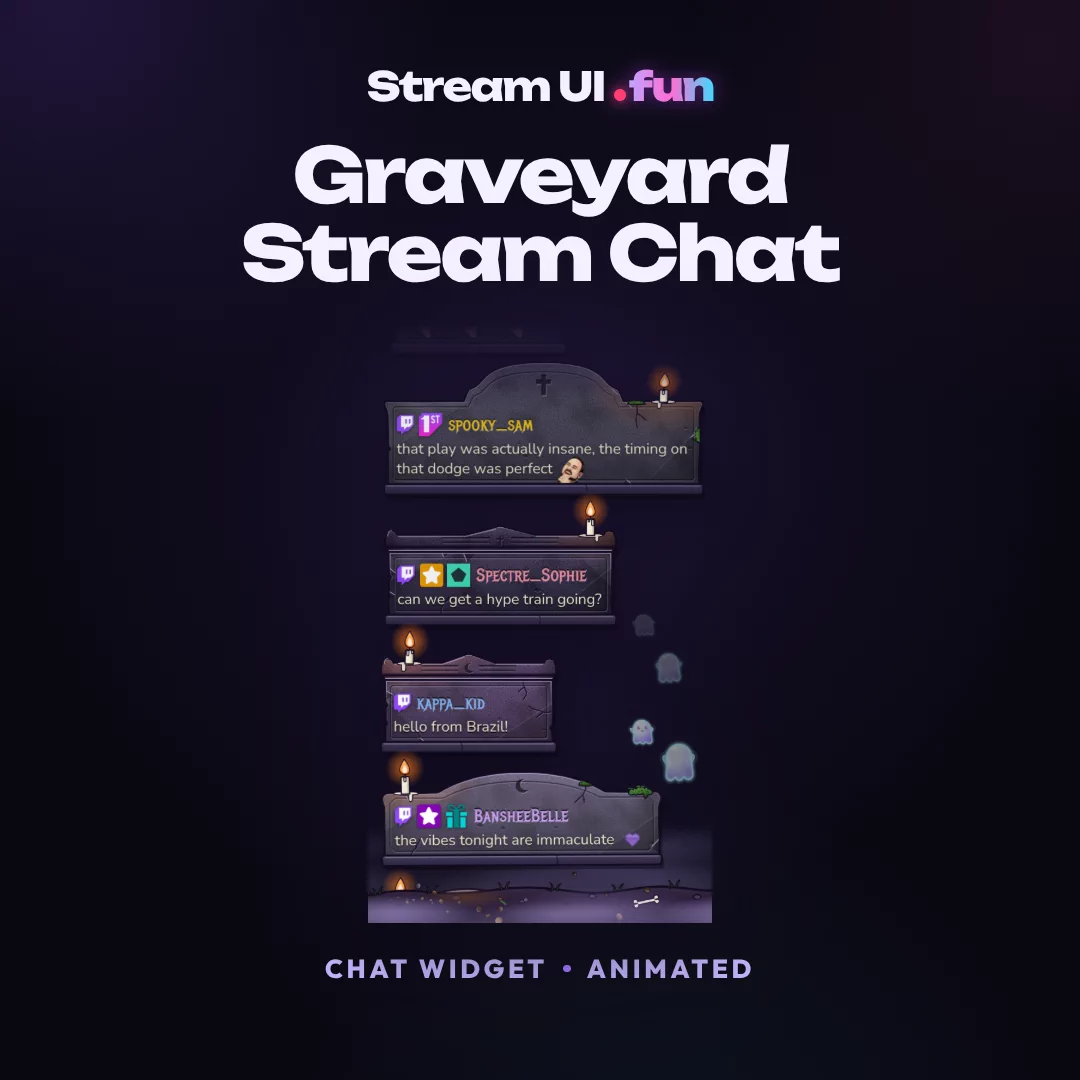
NEWGraveyard Stream Chat
Chat Widget · Animated
Works with OBS Studio, Streamlabs, StreamElements, Meld Studio, XSplit
$14.99
Patch grows, pumpkins wake, star pumpkin zooms open. Demo with sample events.
Product details
Works with
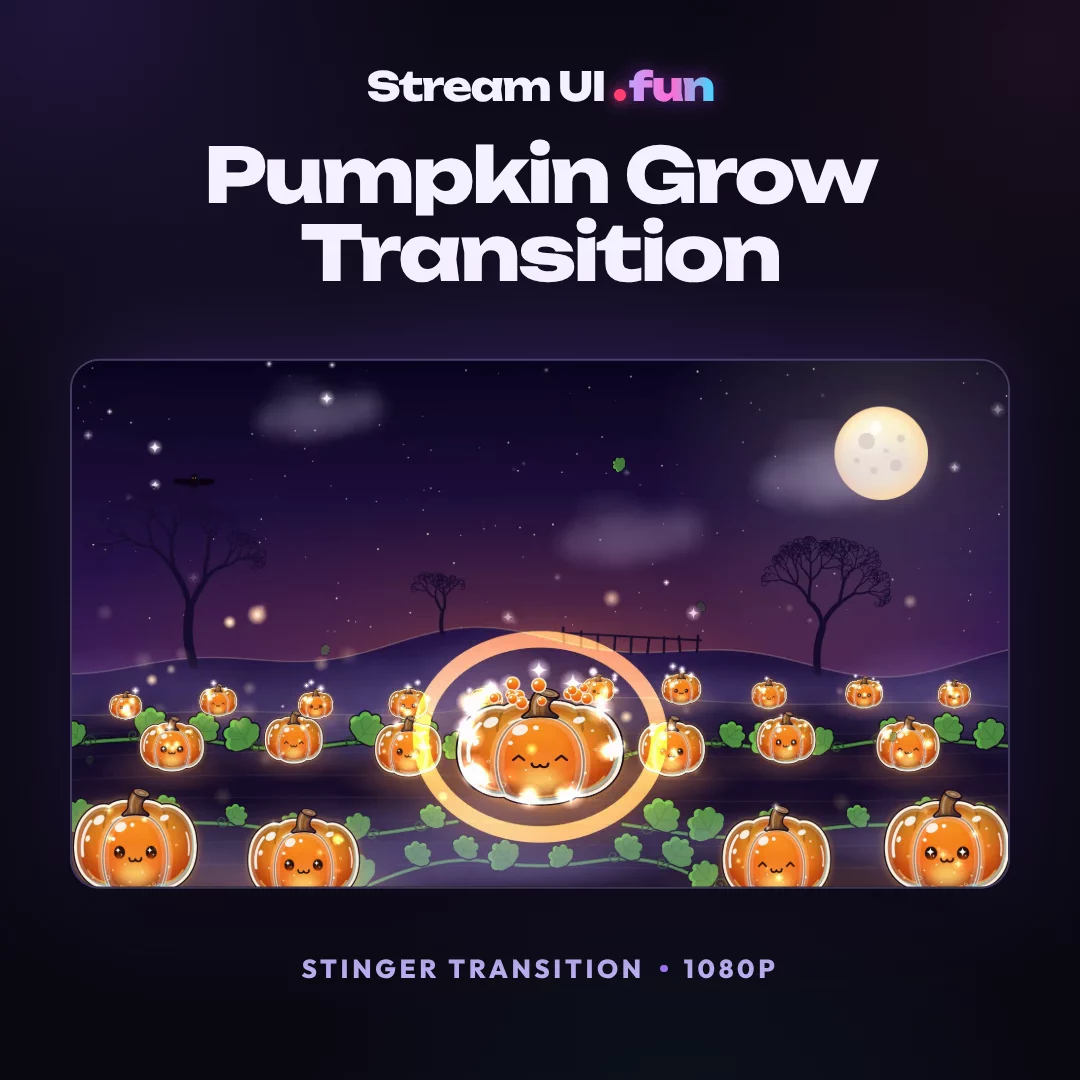
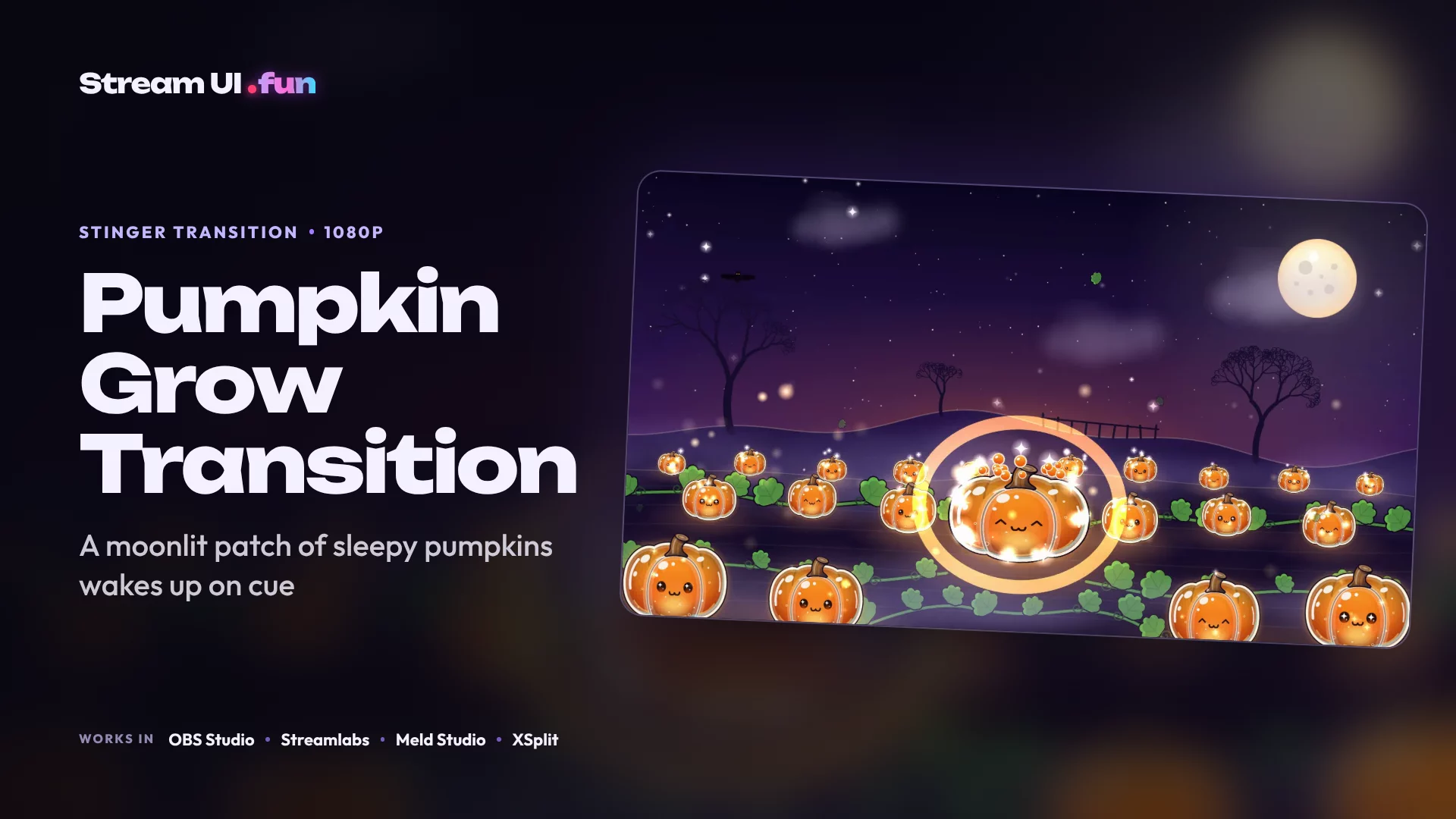
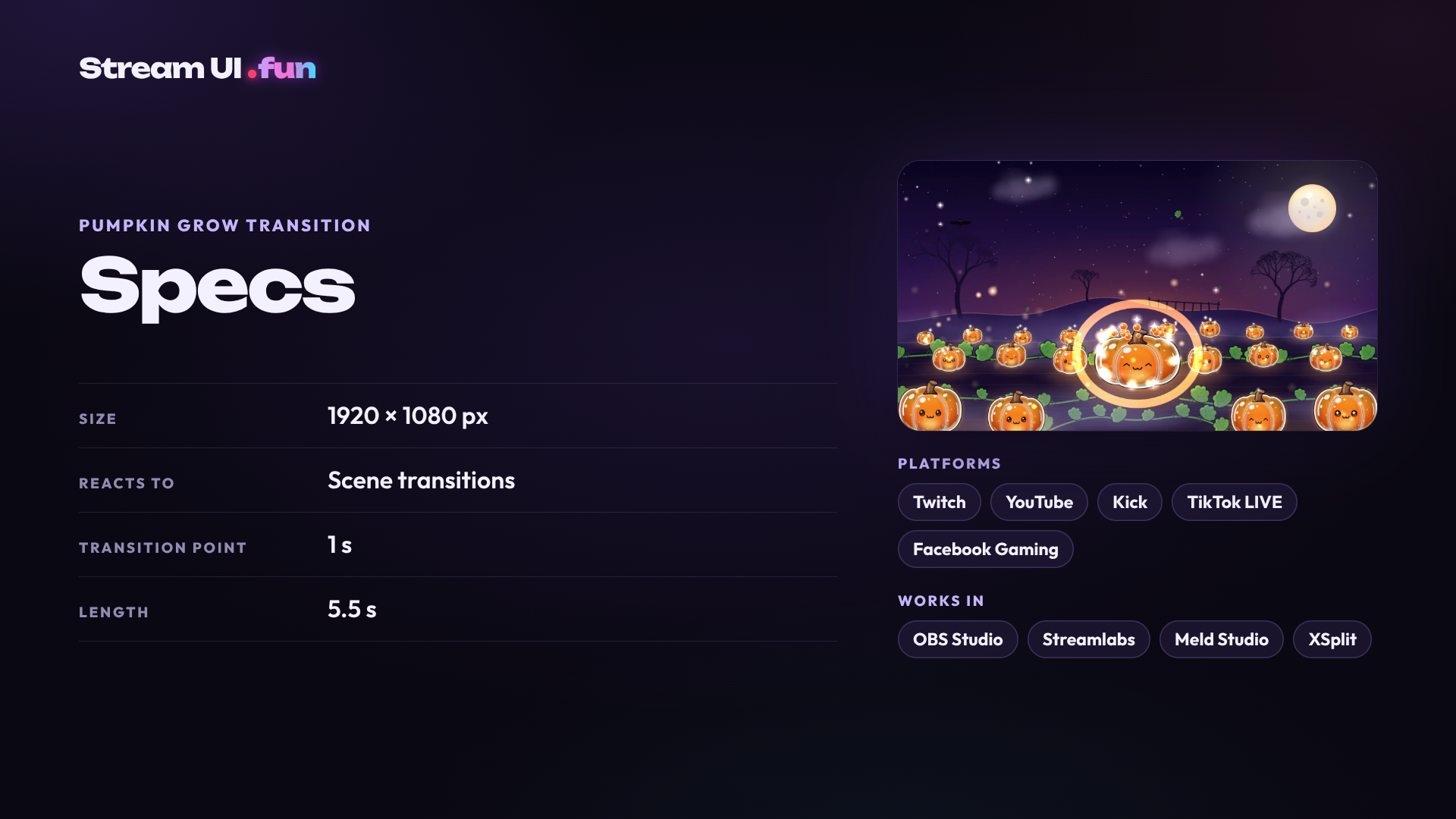
Pumpkin Grow Transition grows a moonlit pumpkin patch right over your old scene. Curling vines and leaves rise up, the Jelly Pumpkins sprout and swell asleep, then pop their eyes open. The star pumpkin grows last in three boings, wakes with a flash, and the title HAPPY HALLOWEEN drops in with “stay spooky” beneath it.
The patch screen loops while you wait, with hopping, blinking lantern pumpkins, a moon, bats, fog and fireflies. When it’s time to reveal the next scene, the star pumpkin becomes a silhouette window that zooms open, Mario-64 style.
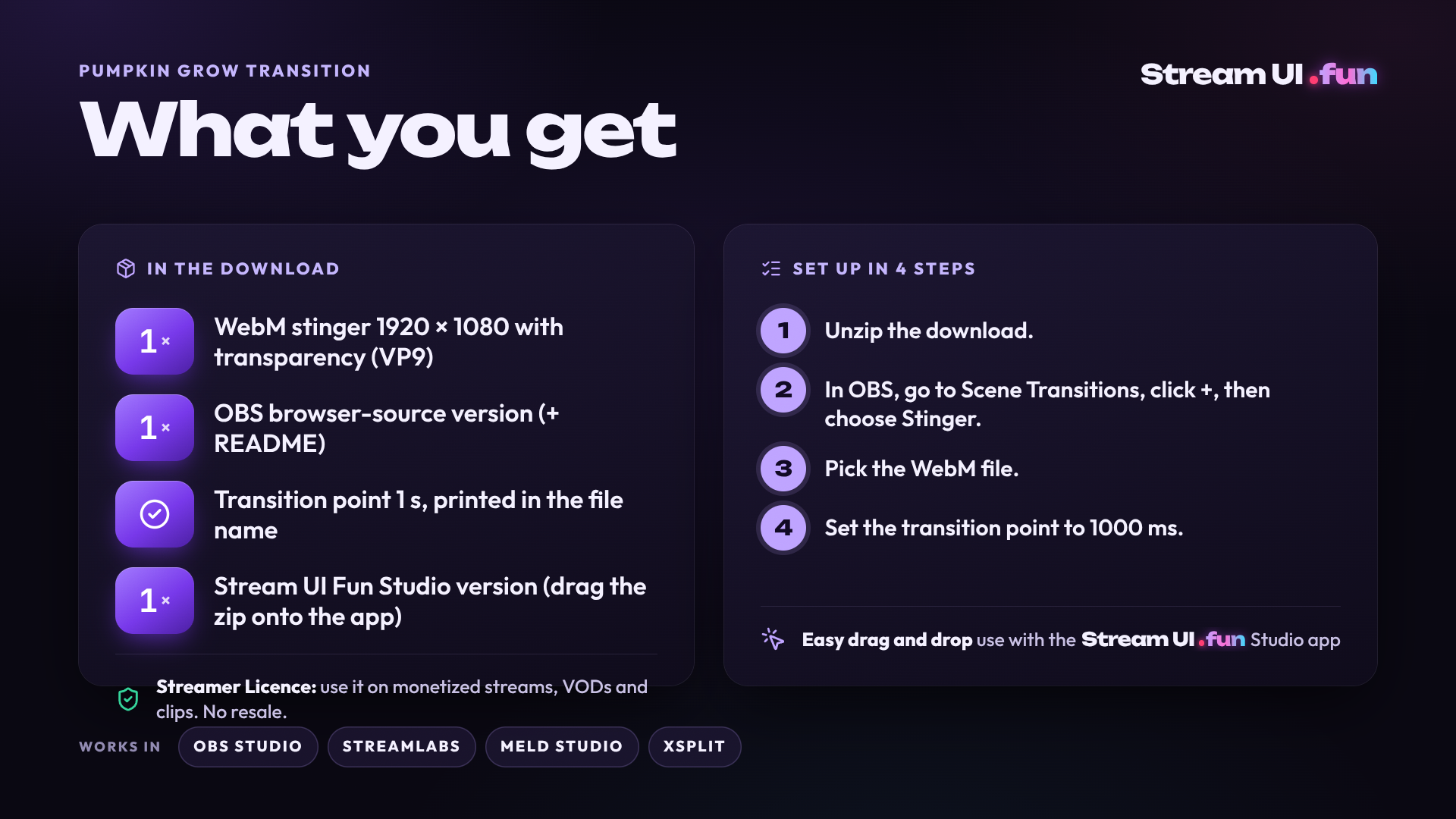
The screen is fully covered at 1 second, and that’s your transition point. The look ships exactly as shown in the video. The WebM file is silent; only the OBS browser-source version plays sound.
| Size | 1920 × 1080 px |
|---|---|
| Reacts to | Scene transitions |
| Works in | OBS Studio · Streamlabs · Meld Studio · XSplit |
| Transition point | 1 s |
| Version | v4 · Oct 2026 |
| Length | 5.5 s |
Needs: OBS Studio 30+, Streamlabs Desktop or any app with browser sources (widgets) / media sources (stickers, stingers).
Stuck? Our setup crew lives on Discord. A real human replies. Ask on Discord (opens in a new tab)
Stuck? Contact us. A real human replies.
Read the full guide: OBS Stinger Transitions: Setup, Transition Point & Track Matte
Every purchase includes the Streamer Licence: use it on monetized streams, VODs, clips and socials on channels you own. No reselling or sharing. Covered by our 14-day Stream-Ready Promise.
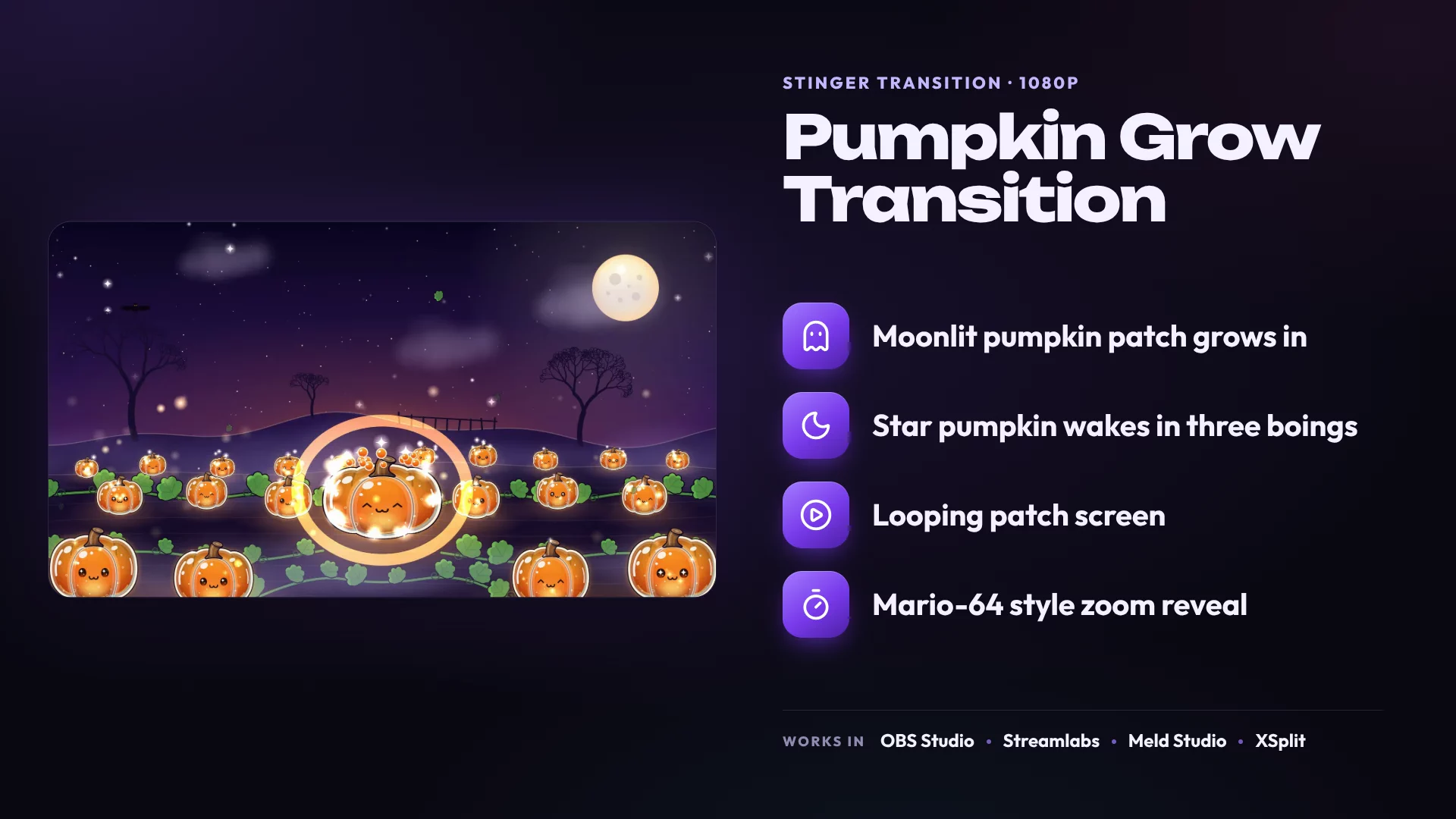
Jelly Pumpkins sprout, swell and pop their eyes open before the star pumpkin wakes with a flash.
Hopping pumpkins, bats, fog, fireflies and a glowing moon keep the patch alive while you hold.
The star pumpkin becomes a window that zooms open on your next scene.
Fully covered at 1 s, and the point is printed in the file name.
Same theme, every category. Everything matches.
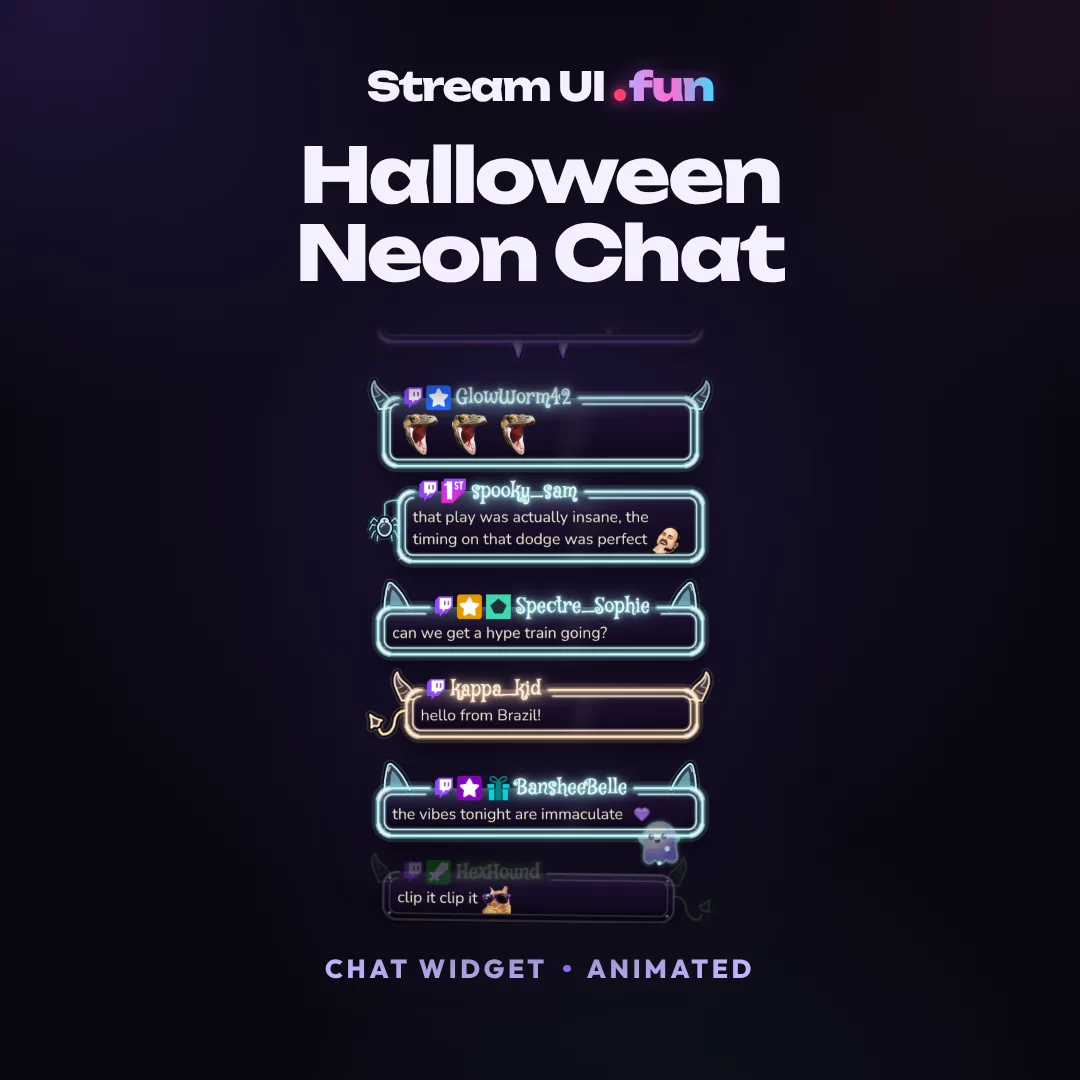
NEWChat Widget · Animated
Works with OBS Studio, Streamlabs, StreamElements, Meld Studio, XSplit
$14.99
 NEW
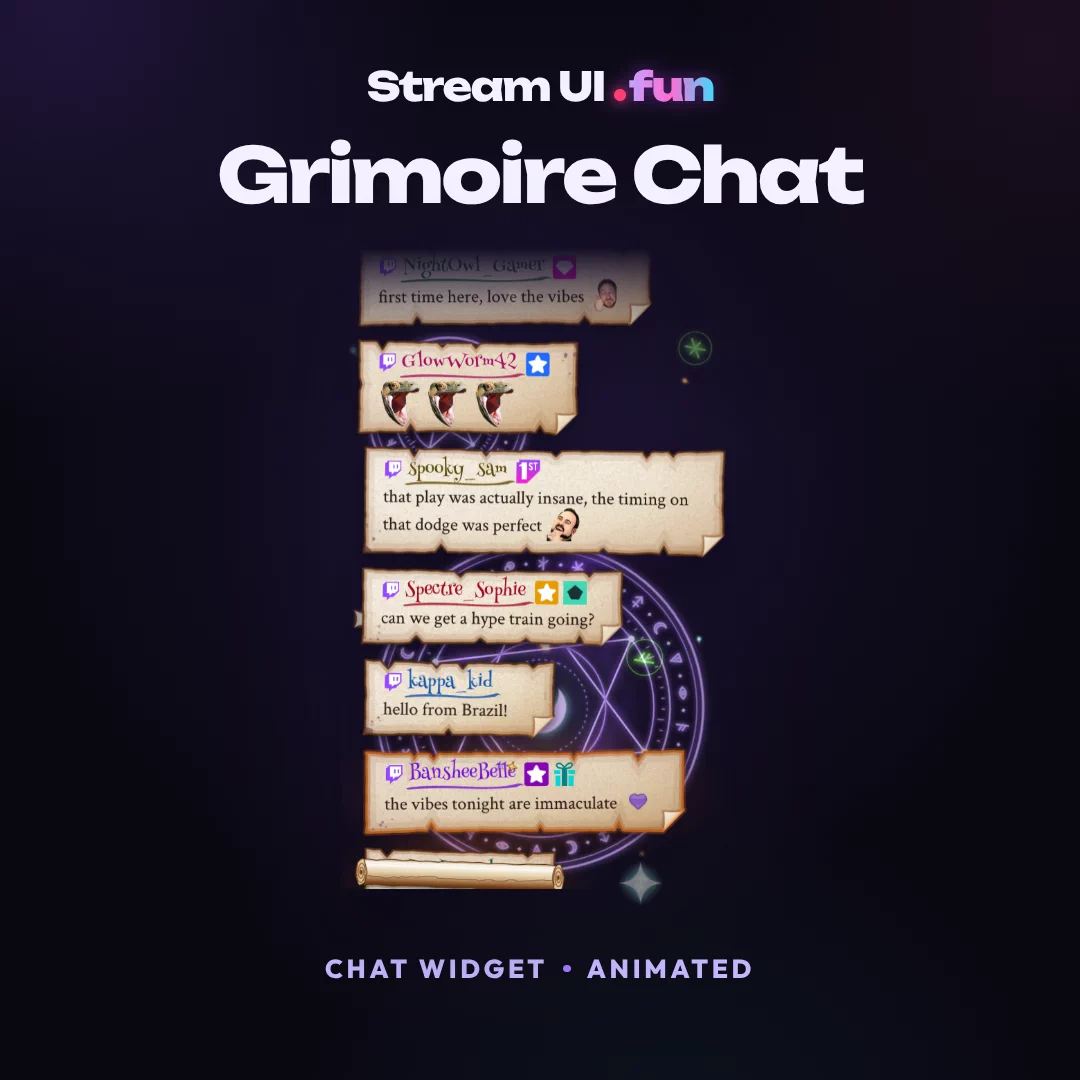
NEWChat Widget · Animated
Works with OBS Studio, Streamlabs, StreamElements, Meld Studio, XSplit
$14.99
 NEW
NEWChat Widget · Animated
Works with OBS Studio, Streamlabs, StreamElements, Meld Studio, XSplit
$14.99
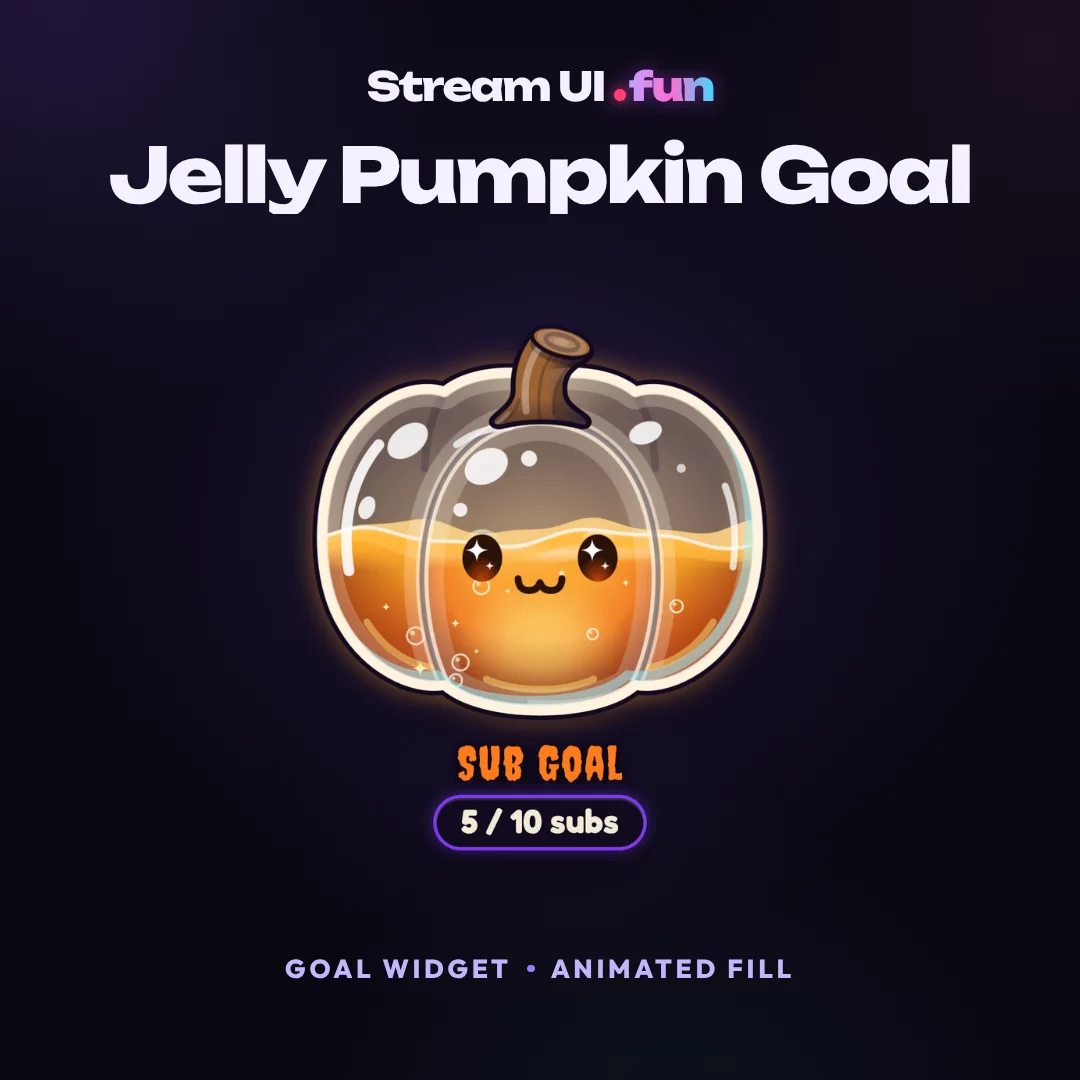 NEW
NEWGoal Widget · Animated Fill
Works with OBS Studio, Streamlabs, StreamElements, Meld Studio, XSplit
$14.99
The whole Halloween set in one download: 3 chat boxes, 8 goal widgets and 3 transitions, all in one spooky-cute style.
See the setBought separately $209.86Bundle price $39.99Save 81%Save $169.87 vs buying separately
No reviews yet
Bought it? Rate it in your Gumroad Library and we'll add it here.
A WebM with transparency (VP9) for OBS and Streamlabs stingers, plus a browser-source version.
Nope. The WebM file is silent. Only the OBS browser-source version plays sound.
Yes! Use 1000 ms, when the screen is fully covered. It's printed in the file name too.
Yes! The Streamer Licence covers monetized streams, VODs, clips and socials on channels you own. Reselling or sharing the files isn't allowed.
You're covered by the Stream-Ready Promise: we fix it, or you get a full refund within 14 days.
Yes! Every update lands in your Gumroad Library for free, and Gumroad emails you when it does.
Nope. Checkout works as a guest. A free account just makes re-downloading easier.
More answers in the help centre, or ask the setup crew on Discord (opens in a new tab).
Files hit your inbox (and your Gumroad Library) in seconds.
How delivery worksOBS, Streamlabs & StreamElements ready.
Compatibility FAQPay once. Every new version is yours, free.
How updates workIt works on your setup, we fix it, or you get a refund.
Read the promise